When was the last time you opened that one storage spot you prefer not to think about?
You know the one. Nothing falls out when you pass by, the door shuts just fine, and from the outside everything looks orderly. But you only open it when you absolutely must.
Inside, it’s a collection of things you don’t quite know what to do with but aren’t ready to get rid of. Odds and ends get tossed in there when guests are coming instead of being properly sorted. It’s not overflowing — just packed. And since it stays closed most of the time, what’s inside is easy to forget.
That’s how unchecked IT environments develop in many organizations. Everything looks clean on the surface, but beneath it all is a tangled setup no one fully understands.
How IT clutter sneaks up over time
IT clutter rarely starts as a bad decision. A new tool is introduced to solve a specific problem. Another platform gets added as the company scales. A temporary workaround helps the team meet a tight deadline. An older system stays in place because removing it feels risky while it still “works.”
Each choice is reasonable on its own. What’s missing is a larger, big-picture review. Since nothing is obviously failing, there’s little motivation to simplify. Over time, these small decisions stack up and create unnecessary complexity.
A messy IT setup doesn’t mean your business is doing something wrong. More often, it means you’ve been moving quickly and adapting as needed.
What tends to be hiding in the “IT closet”?
We’re talking about a metaphorical closet, not a real one — and they tend to look very similar across organizations.
You’ll often find:
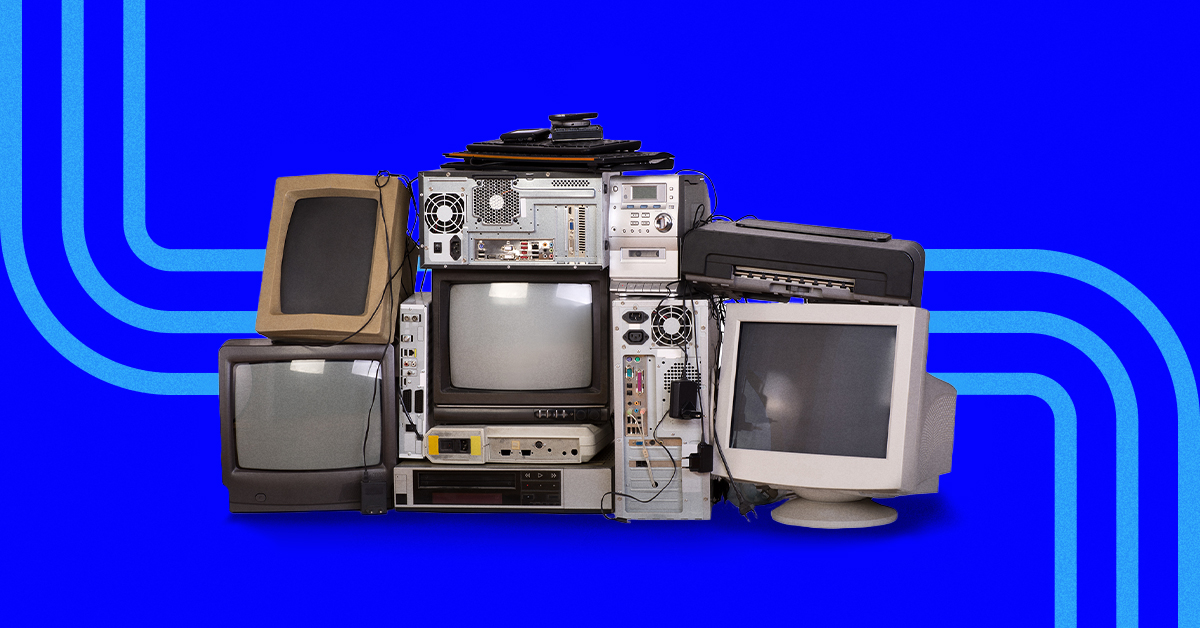
Applications no one actively relies on anymore Overlapping tools that serve the same purpose Legacy software that’s been around “forever” User access for former employees that never got removed Temporary fixes that quietly became part of daily operations
None of this feels urgent, which is why it’s so easy to leave untouched.
And if this sounds familiar, it’s incredibly common.
How hidden clutter slows everything down
IT clutter doesn’t usually cause sudden failures. Instead, it creates friction.
Teams aren’t always sure which system is the right one to use. Information lives in too many places. Decisions take longer. Time gets spent managing tools that provide little return. Costs increase gradually in ways that don’t raise red flags.
Each issue on its own may seem harmless, but together they add weight to everyday work.
Clutter doesn’t stop the business — it quietly drags it down.
The danger of letting it sit
The longer clutter remains, the more difficult it becomes to untangle.
Older systems grow harder to maintain. Tools implemented for specific situations are forgotten until a change suddenly makes them critical again. Workarounds outlive their original purpose, and eventually the business depends on them without understanding why they exist.
Avoiding the cleanup doesn’t prevent problems. It simply makes them more complicated when they finally surface.
When systems aren’t reviewed regularly, unexpected issues are more likely — and they rarely show up at a convenient time.
Clearing out IT doesn’t mean starting from zero
Decluttering your IT environment isn’t about ripping everything out and rebuilding from scratch.
It’s about being deliberate. Keep what’s working well. Organize what still adds value. Retire or replace what no longer supports where the business is headed.
The objective isn’t disruption — it’s clarity.
Creating space to grow
A streamlined IT environment changes how work feels. Your team knows where to go for what they need. Systems help move decisions forward instead of slowing them down. Updates feel manageable rather than risky. Growth becomes planned instead of reactive.
When clutter is under control, the business has room to move forward.
Begin with visibility
You don’t need to overhaul anything immediately.
Start by opening the door. Take inventory of what’s in your IT environment — what’s actively used, where tools overlap, and what’s been quietly forgotten.
Understanding always comes before improvement.
If you want a second opinion, we can walk through it together in a short discovery call. We’ll help identify what’s essential, what can be retired, and what may be holding you back without you realizing it.
Found This Article Helpful?
Stay updated with our latest IT insights and solutions.